Watch any 4 channels at once, not just the ones you are offered.
YouTube TV multiview is limited to preset matchups on eligible content. RunTV puts any four channels from your own playlist on one screen, in eight layouts, and your phone is the remote.
The difference in one line
YouTube TV decides which games can share a screen. RunTV lets you decide.
| YouTube TV multiview | RunTV | |
|---|---|---|
| Choose any 4 channels | No, preset combinations only | Yes, any 4 from your playlist |
| Works on non sports channels | Rarely, eligible content only | Yes, any channel |
| Layouts | Fixed grid | 8, including PiP and 1+2 |
| Pick which stream you hear | Limited | Tap any zone |
| Rearrange while watching | No | Drag to swap zones |
| Cost | Requires a YouTube TV subscription | Free, no ads, no subscription |
| Content | Included with the plan | You bring your own playlist |
Eight layouts, switched from your phone
Full screen, two side by side, one big plus two, a 2x2 grid, picture in picture and more. Change the layout mid game, drag a stream from one zone to another, or throw a single game back to full screen for the last two minutes.
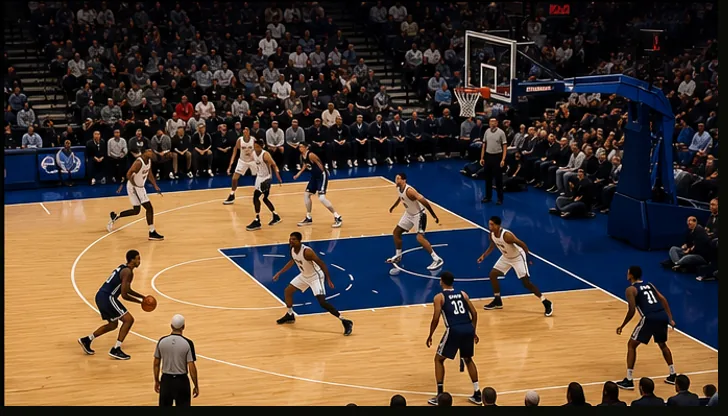
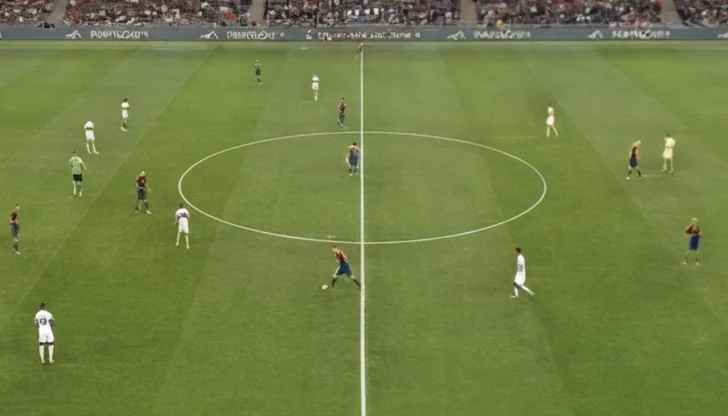


Sunday with four games on
Put the four you care about on the screen at once, keep the audio on the close one, and swap it the moment another game gets interesting. Live Games matches each fixture to a channel inside your own playlist, so you are not hunting through a channel list while a drive is happening.
Related
Multiview on Android TV · Split screen player · Connection limits explained · Download RunTV