A free IPTV player for iPhone and iPad.
Watch your own playlist on the phone, then send any channel to your TV with one tap and take it back when you leave. The same app is a full player and the remote for your TV.
Two apps in one
On its own it is a full player: your M3U or Xtream Codes playlist, favorites, guide, movies and series, playing on the phone or iPad. Paired with a TV it becomes the remote, which is where it gets interesting.
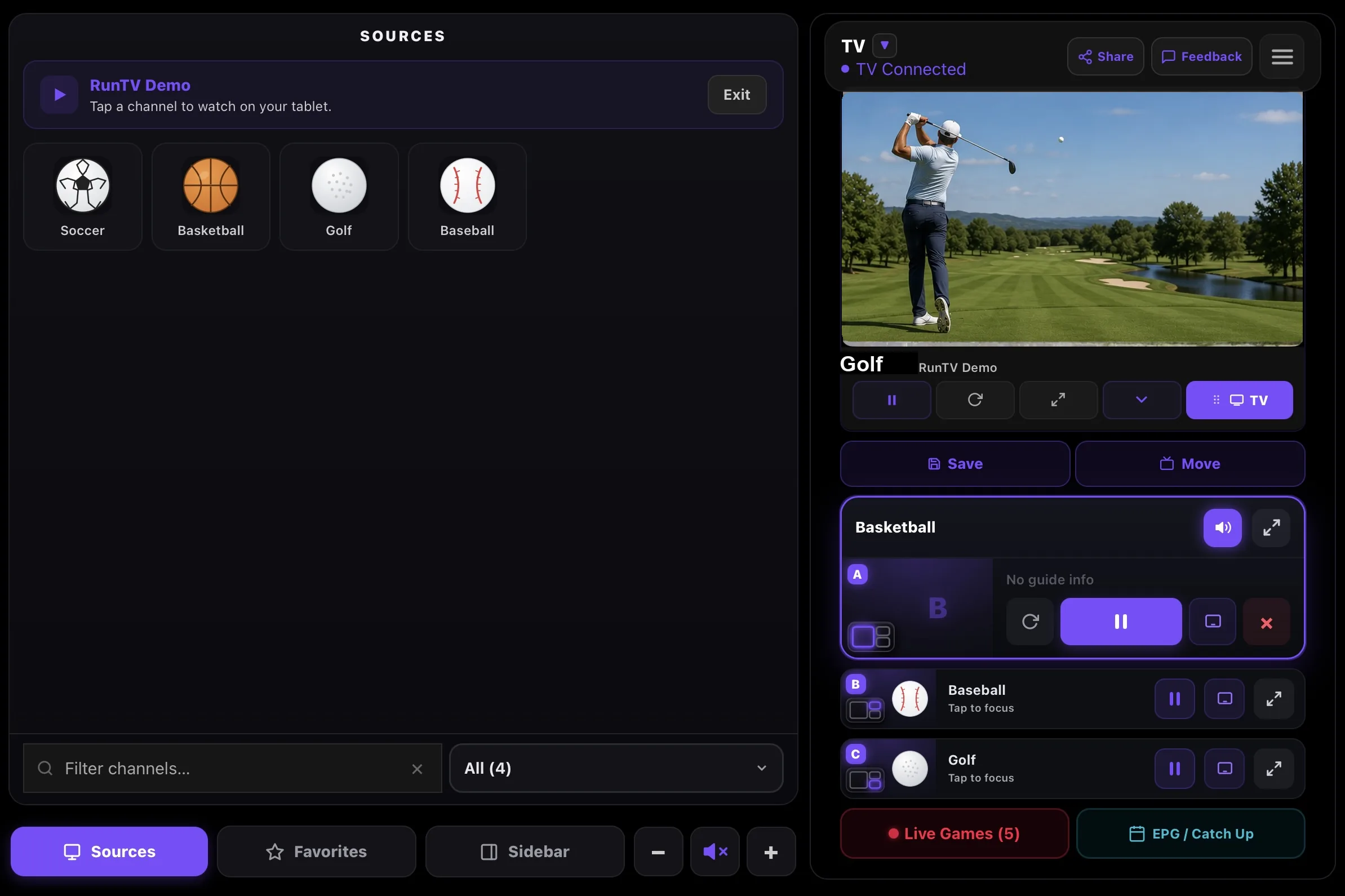
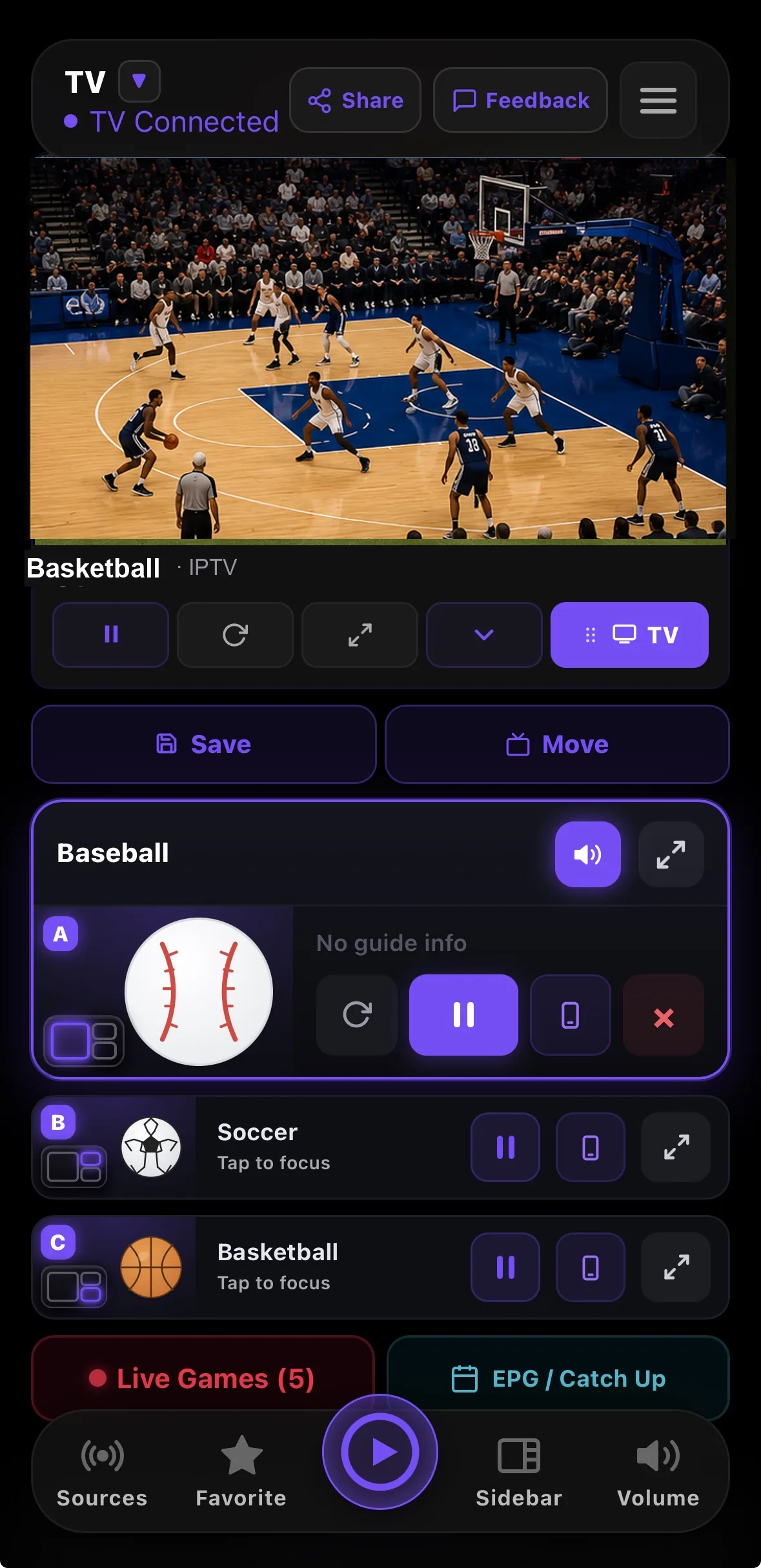
Send it to the TV, and take it back
Start a game on the phone, tap TV, and the television picks the stream up itself. Your phone is then free to sleep, ring or leave the house without stopping playback, because this is not screen mirroring. When you head out, pull the stream back to the phone and keep watching.
Also on iPad, and on Mac
The iPad version uses the extra space for a wider layout. On Apple silicon Macs the same app can run in a window, and there is a dedicated Mac build if you prefer a real desktop app.
Related
All downloads · Watch 4 at once · Connection limits · Xtream Codes · M3U playlists
How to install
- Open the App Store. Search for RunTV, or open runtv.run/downloads on the device.
- Install RunTV. It is free, with no in app purchase required to play your own playlist. Works on iPhone and iPad from iOS 15, and downloads over cellular as well as Wi-Fi.
- Sign in. Use Sign in with Apple if you would rather not hand over an email address. Your playlist then syncs to your other devices.
- Add your playlist. Open Sources and paste your M3U URL, or your Xtream Codes host, username and password. Your login is stored in the iOS keychain on the device, never on our servers.
- Pair your Apple TV, optional. Open RunTV on the Apple TV, point the iPhone camera at the QR code on screen, or type the 8 digit code.
- Send a channel up. Start any channel, then tap TV to hand it to the television. Lock the iPhone and it keeps playing on the TV.