IPTV player for Nvidia Shield
4 streams on one TV, free
The Nvidia Shield is one of the most powerful Android TV boxes, and RunTV puts that power to use: up to 4 live streams on one screen at once, arranged from your phone. Free, no ads, no subscription.

Why the Shield is great for RunTV
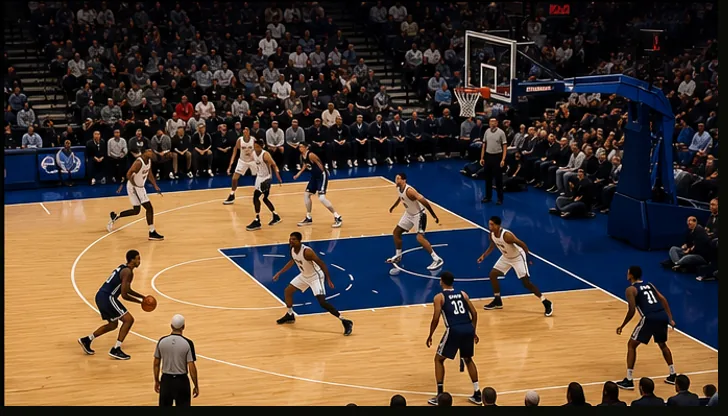
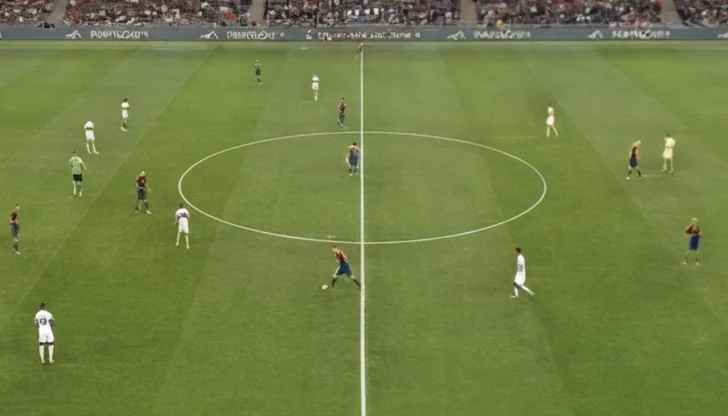
Multi-screen playback is demanding, and the Shield has the headroom for it. With RunTV you can put four games, or a game plus the news, side by side on one screen, then pick which one plays audio with a tap from your phone.
Set up in 2 minutes
1. Install on Shield
Search RunTV on Google Play and install it on your Nvidia Shield.
2. Pair your phone
Open the RunTV app and enter the code shown on the TV.
3. Add your source
Paste your M3U or Xtream login, drop streams into zones, pick a layout.
Everything you get
Multi-screen
Up to 4 streams across 8 layouts including split screen, PIP and a 4-way grid.
Phone control
Run the whole thing from your phone, no D-pad fighting.
Live game auto-match
Tap a game and RunTV finds the channel in your own playlist.
Free, no ads
No subscription, no premium tier. Bring your own source.