A free IPTV player for Android phone and tablet.
Watch your own playlist on the phone, then send any channel to your TV with one tap. The same app is a full player and the remote for your Android TV or Apple TV.
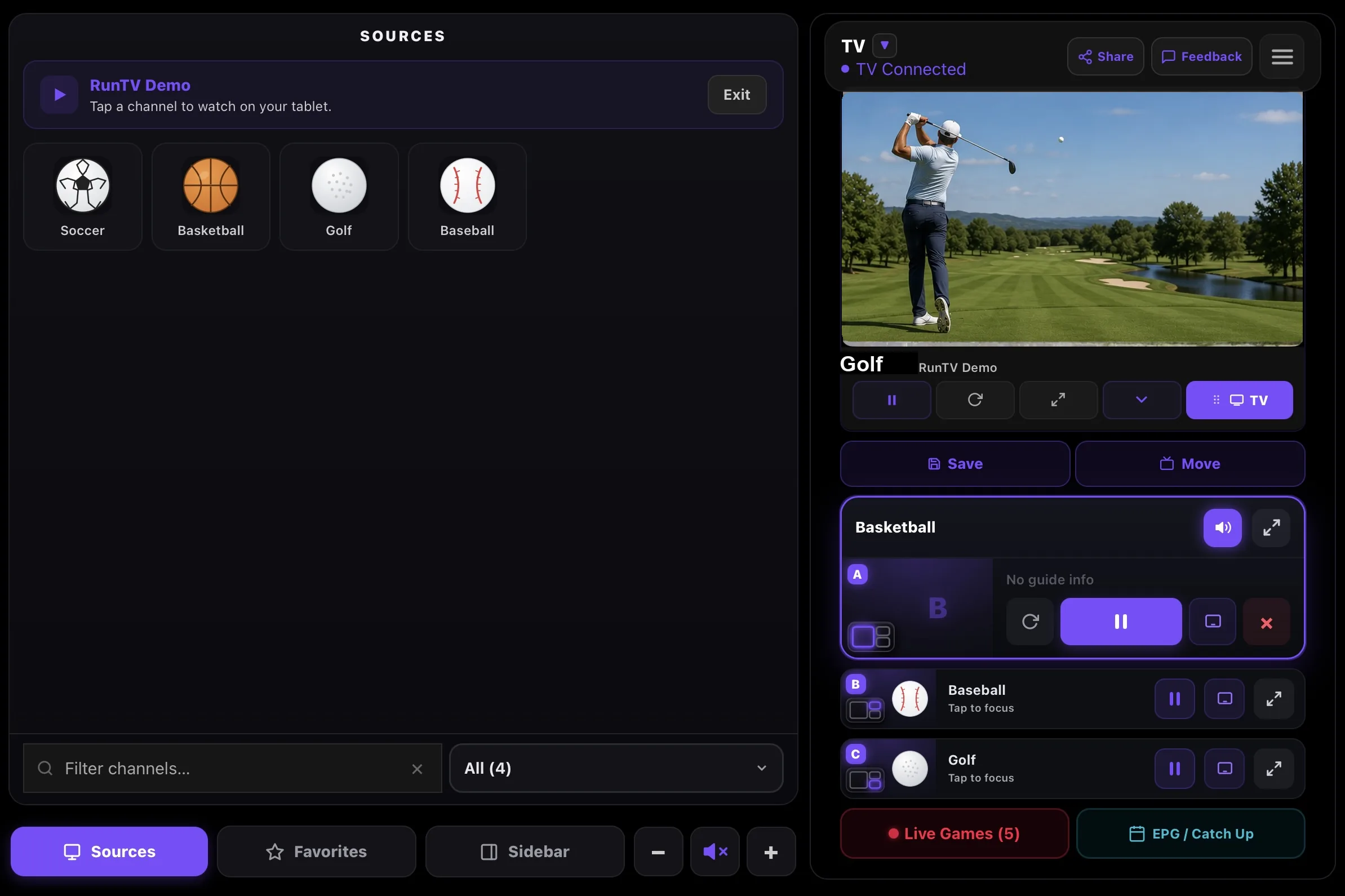
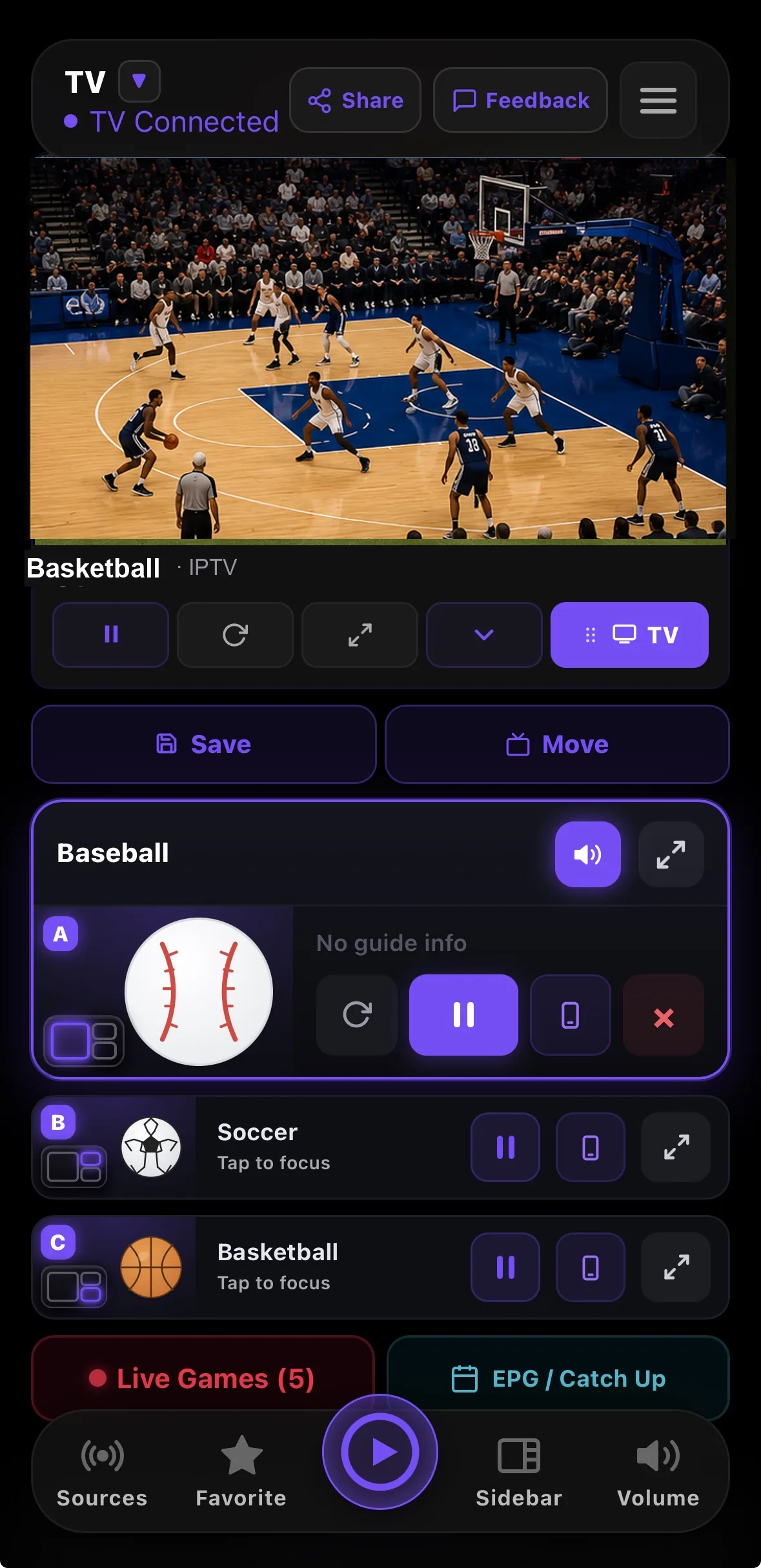
A player and a remote
By itself it plays your M3U or Xtream Codes playlist on the phone or tablet, with favorites, guide, movies and series. Paired with a TV it turns into the remote, which is a much better way to search a large playlist than a directional pad.
Send it to the TV, and take it back
Tap TV and the television picks up the stream directly, so your phone is free to sleep or leave without stopping playback. Pull it back to the phone when you head out.
Works with the TV you already have
Pair it with Android TV, Fire TV Stick, Nvidia Shield, Google TV or Apple TV. One phone can drive several TVs, and you pick which one you are controlling.
Related
All downloads · Watch 4 at once · Connection limits · Xtream Codes · M3U playlists
How to install
- Open Google Play. Search for RunTV, or open runtv.run/downloads on the device.
- Install RunTV. It is free, with no ads and no subscription. Android 8 and up, on phones and tablets alike.
- Sign in. Google sign in is one tap on a device you are already signed into. Your playlist then syncs to your other devices.
- Add your playlist. Open Sources and paste your M3U URL, or your Xtream Codes host, username and password. Your login stays in the app's private storage on the device, never on our servers.
- Pair your TV, optional. Open RunTV on your Android TV or Google TV box and scan the QR code, or type the 8 digit code.
- Send a channel up. Start any channel, then tap TV to hand it to the television. On a tablet, turn it sideways for the wide control room view and drag a channel straight into a zone.