How to set up IPTV on Android TV
step by step, in minutes
RunTV is a free multi-screen IPTV player for Android TV. You bring your own M3U playlist or Xtream Codes login, and this guide gets you watching, including up to 4 streams on one TV, in a few minutes.

Step 1: Install RunTV on your TV
Open Google Play on your Android TV, Fire TV Stick or Nvidia Shield, search for RunTV, and install it. On a Fire TV Stick you can also use the Downloader app and enter code 9211377, or go to runtv.run/runtv.apk.
Step 2: Open the controller and pair
RunTV is run from your phone, not the TV remote. On your phone open the RunTV app and sign in with Google or email. Your TV shows a pairing code, type it into the controller. Your phone and TV do not need to be on the same WiFi, pairing goes through the cloud, so the phone can be on cellular and the TV at home.
Step 3: Add your IPTV source
In the controller, go to Sources and paste your link. RunTV detects whether it is an M3U playlist or an Xtream Codes login and opens the right form for you.
M3U playlist
One long link, often a get.php URL. Paste the whole link.
Xtream Codes
A server address plus username and password. Enter all three, or paste your link and let RunTV detect it.
RunTV is a player, not a provider. It does not host or sell channels, it plays what your own source gives it.
Step 4: Watch, and build your multi-screen
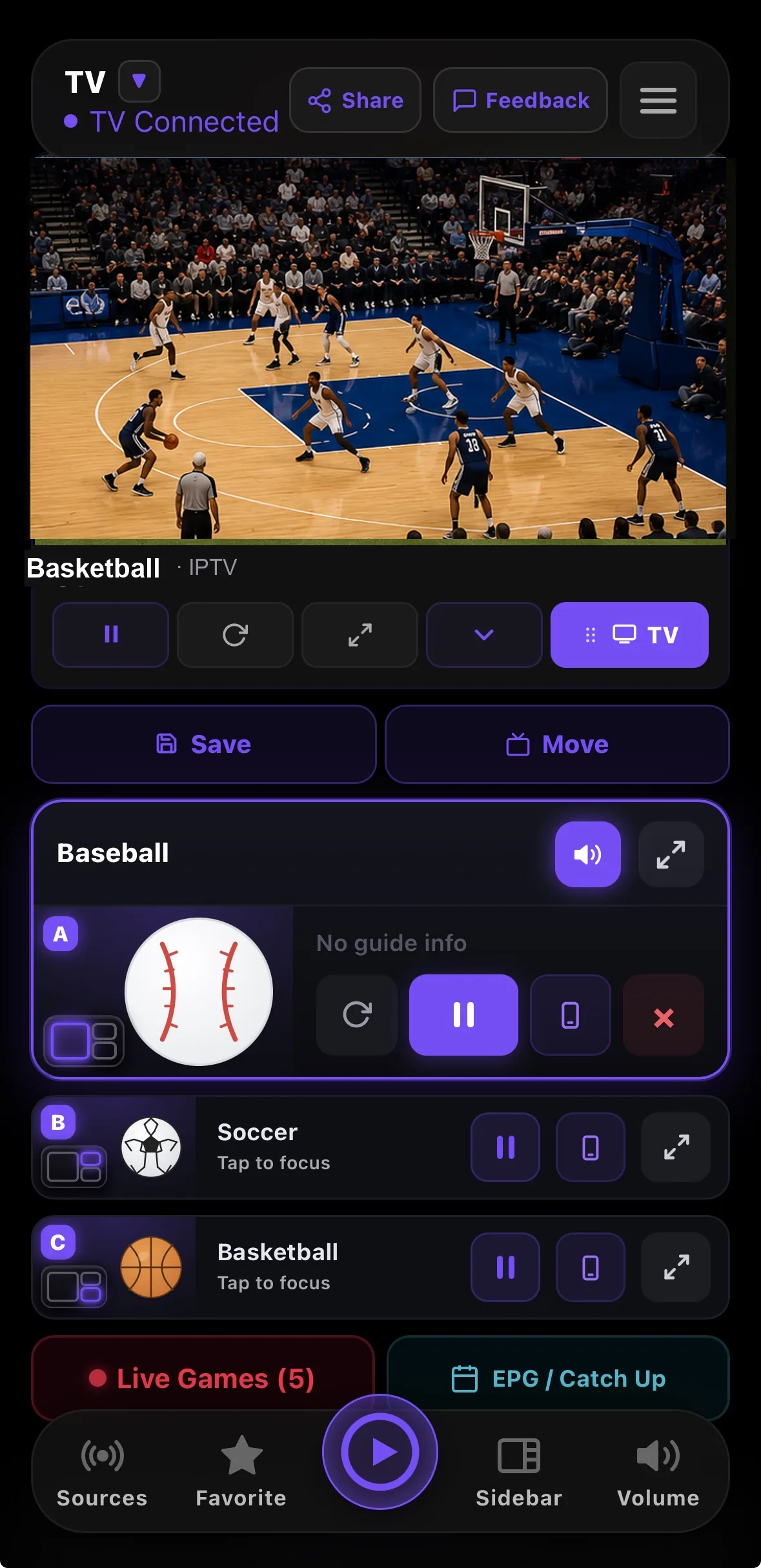
Tap a channel to play it on the TV. To watch more than one thing at once, add up to 4 streams into zones, pick one of 8 layouts (split screen, picture-in-picture, big plus small, 4-way grid), and tap any stream to move the audio there. During live sports, tap a game and RunTV finds the channel carrying it in your own playlist.
Troubleshooting
Login error
Check http vs https and the port, re-enter the username and password with no spaces, and make sure you picked M3U vs Xtream correctly.
Nothing plays, controls work
The stream goes straight from your TV to your provider. Test the same line in another player. If it fails there too, it is your provider or network.
Audio silent on some channels
Set your TV or box audio to Stereo or PCM. Some channels carry surround audio your setup cannot pass through.