IPTV player for Fire TV Stick
free, no ads
RunTV turns your Amazon Fire TV Stick into a multi-screen IPTV player. Install in a few minutes, load your M3U or Xtream Codes, and run everything from your phone. No ads, no subscription.
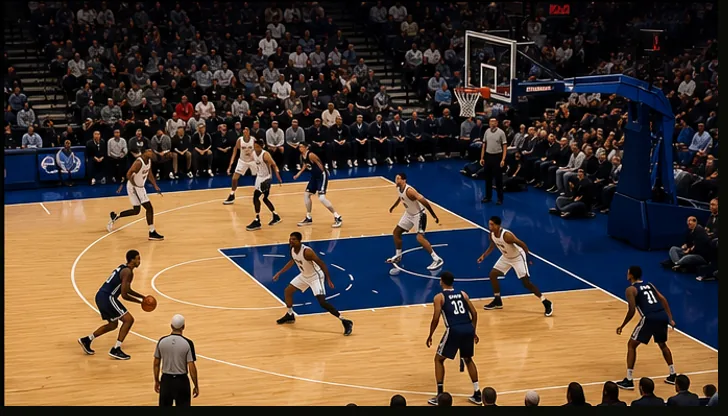
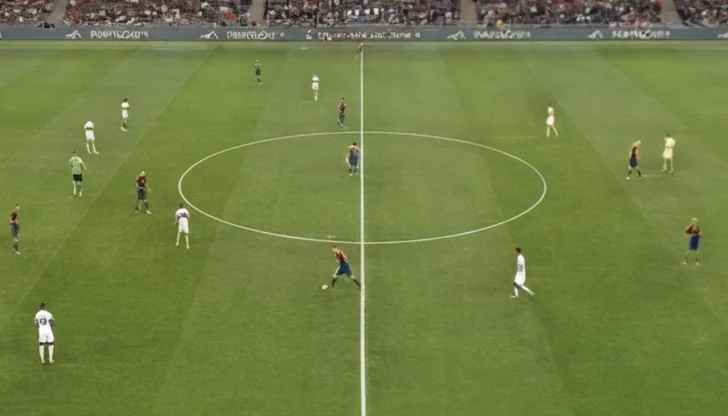

How to install RunTV on Fire TV Stick
Install Downloader
Search "Downloader" in the Amazon App Store on your Fire TV Stick and install it.
Allow unknown apps
Settings, My Fire TV, Developer Options, Install Unknown Apps, turn on Downloader.
Download RunTV
Open Downloader and enter runtv.run/runtv.apk to download and install.
Pair your phone
Open RunTV on your Fire Stick, then open the RunTV app on your phone and enter the pairing code.
RunTV is a media player. It does not host, provide, or sell content. You supply your own M3U playlist or Xtream Codes provider.
Why RunTV on Fire TV Stick
Most IPTV apps make you scroll channels with the Fire TV remote. RunTV moves all of that to your phone: browse, search, switch streams, and manage multi-screen without touching the TV remote. It plays M3U playlists, Xtream Codes, and direct stream links, and shows up to 4 channels at once.