Multiview IPTV for Android TV
watch 4 streams on one TV
RunTV is a free multiview IPTV player for Android TV. Put up to four live streams on a single screen in 8 layouts, and run the whole thing from your phone. No ads, no subscription.


What is multiview IPTV?
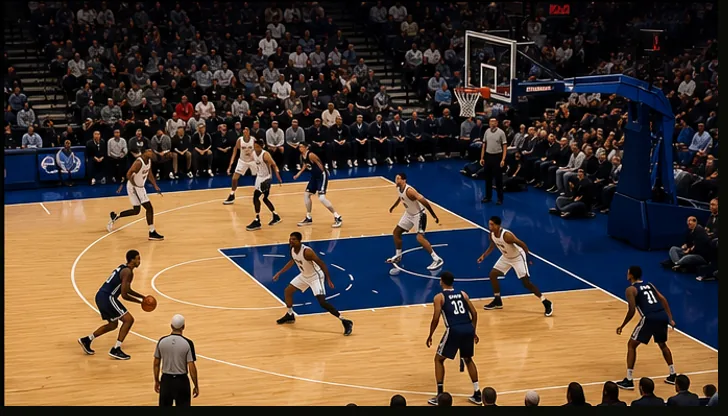
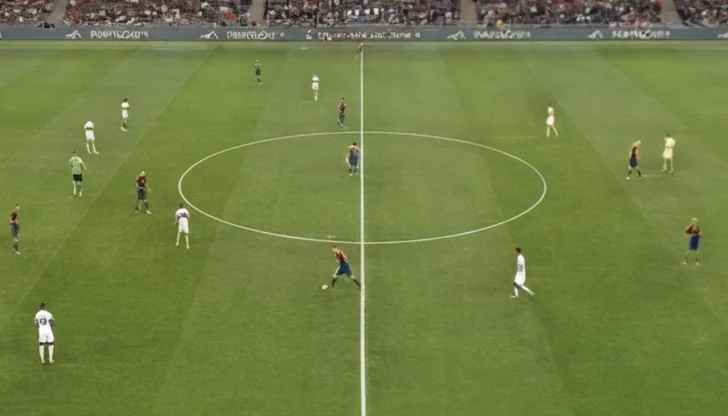
Multiview (also called multi-screen or split-screen IPTV) means watching more than one channel at the same time on one TV. Instead of flipping between a game, the news, and a second match, you put them side by side and keep an eye on all of them at once.
Most IPTV players show one channel at a time. RunTV is built around multiview: up to 4 simultaneous streams on a single Android TV, with one tap to choose which stream plays the audio.
8 layouts, swap zones in one tap
Arrange your streams however you want and switch instantly. Everything is driven from the phone controller, so you never fight a TV remote.
Split screen
Two streams side by side at equal size.
Picture-in-picture
One main stream with a smaller window in the corner.
4-way grid
Four streams in a 2x2 grid, all live at once.
Big + small
A large main stream with up to three companions.
How it works
1. Install on your TV
Get RunTV on your Android TV, Fire TV Stick, or Nvidia Shield.
2. Pair your phone
Open the RunTV app, enter the code shown on the TV.
3. Build your multiview
Add your M3U or Xtream source, drop streams into zones, pick a layout.
Works on your Android TV
RunTV runs on Nvidia Shield, Amazon Fire TV Stick, Xiaomi Mi Box, Google TV, and any Android TV box. You bring your own IPTV source (an M3U playlist or Xtream Codes login). RunTV is a player, it does not host or sell channels.