Home › IPTV Not Working on Fire Stick
IPTV not working on your Fire Stick?
Four things can break it and they look identical from the sofa. Here is the quickest order to rule them out.
Rule them out in this order
- Open the same playlist on your phone. This one test splits the problem in half. Failing on both means the playlist or provider. Failing only on the stick means the device.
- Check for a connection limit. If the channel list loads but nothing plays, you are almost certainly at your provider's simultaneous-stream limit. That has its own page.
- Move the stick. Fire Sticks tucked behind a TV lose a lot of signal. Use the HDMI extender it came with, or test it in front of the TV.
- Free some storage and restart. Fire Sticks throttle badly when nearly full, which shows up as stutter that looks like a network problem.
If it is the app
A player that drops the stream on the first hiccup makes a marginal connection feel broken. RunTV reconnects in the background and resumes in place, so a brief provider stumble does not end your evening. It is free, installs from the store on Fire TV, and plays your existing M3U or Xtream Codes login.
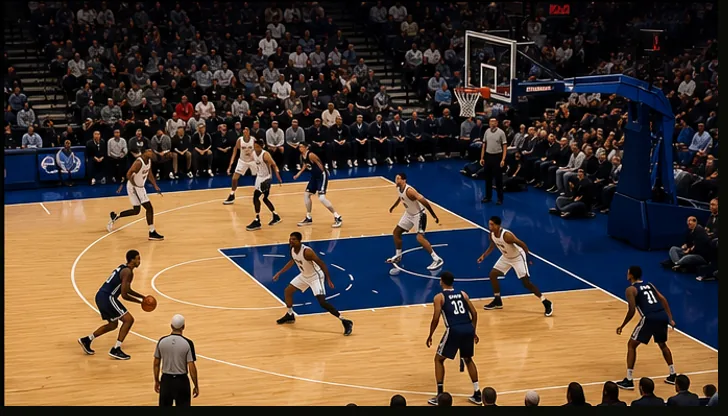
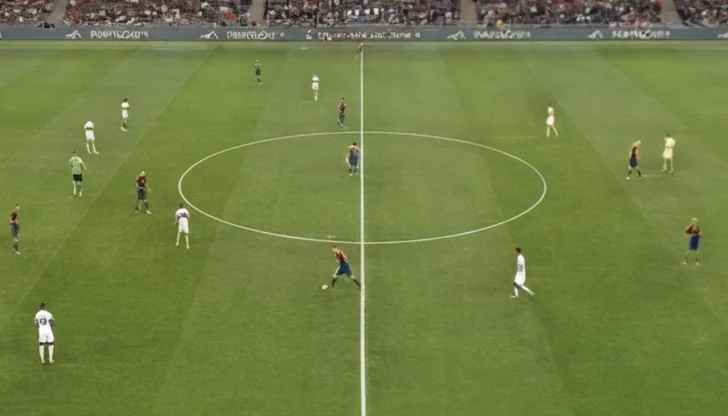


Four channels at once on a Fire TV Stick, run from your phone.
Related
Download RunTV · Watch 4 at once · Connection limits · Setup guide · Everything RunTV does
Frequently asked
Why is IPTV not working on my Fire Stick?
Most often the playlist has expired or hit its connection limit, the Fire Stick WiFi is too weak for the bitrate, or the app itself is struggling. Testing the same playlist on a phone separates them immediately.
How do I know if it is my Fire Stick or my provider?
Open the same playlist on your phone. If it fails there too, it is the provider or the playlist. If the phone is fine, it is the Fire Stick, usually WiFi or storage.
Why does my Fire Stick keep buffering on IPTV?
Usually WiFi. Fire Sticks have small antennas and often sit behind the TV, which blocks the signal. Try it closer to the router, or use the ethernet adapter.
Is there a better IPTV app for Fire Stick?
RunTV runs on Fire TV Stick through the Android TV build, is free with no ads, plays M3U and Xtream Codes, and can show four channels at once with your phone as the remote.
Do I need to sideload anything?
No. RunTV installs from the store on Fire TV devices, so there is no downloader code or APK to manage.