Home › Phone as Remote
Your phone is the remote. The TV does the playing.
Browse your playlist on the phone where typing and scrolling actually work, then send any channel to the TV with one tap. This is not screen mirroring. The TV pulls the stream itself, so your phone can ring, sleep or leave the house.
Why not just use the TV remote
Because a directional pad is a bad tool for a thousand channel playlist. Typing an Xtream login on an on screen keyboard is worse. Your phone already has a real keyboard, a fast scroll and search you can use with one hand.
So RunTV splits the job. The phone does browsing, searching, favorites and layout. The TV does nothing but play, which is what it is good at.
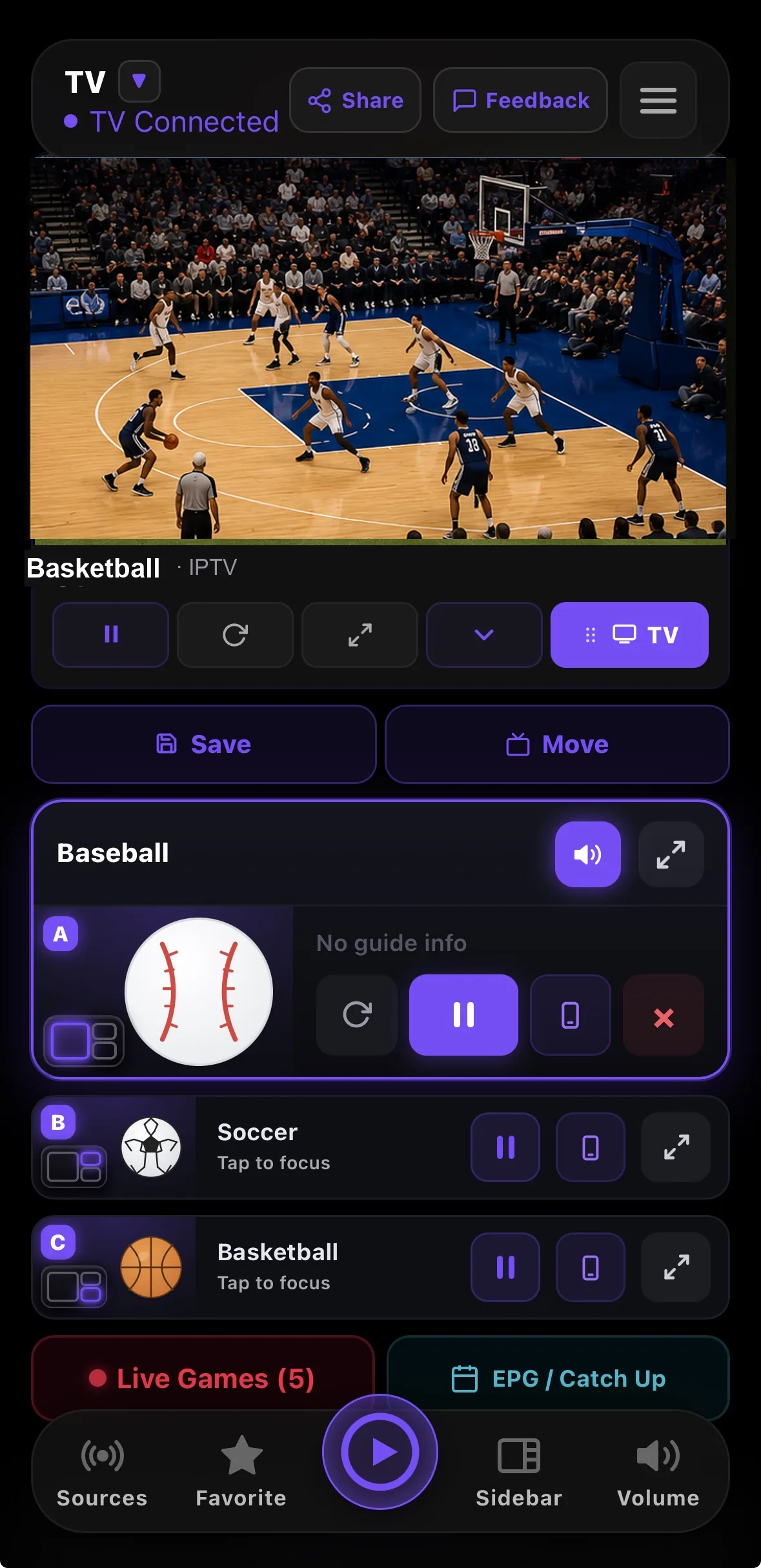
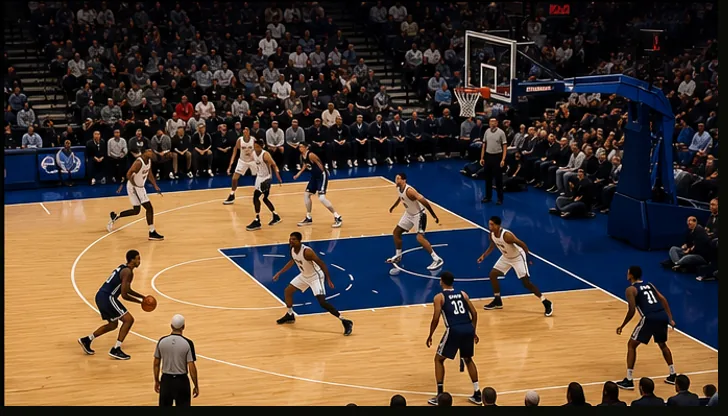
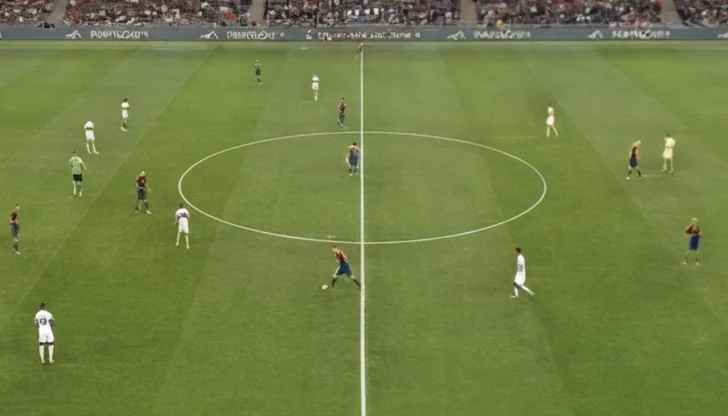

Browse on the phone. The TV does the playing.
Casting versus controlling
| Casting or mirroring | RunTV | |
|---|---|---|
| Who fetches the video | Your phone | The TV |
| Phone can sleep or leave | No, playback stops | Yes, playback continues |
| Uses your phone battery | Constantly | Barely |
| Needs the same WiFi | Usually yes | No, works over the internet |
| Multiple streams at once | No | Up to 4 on one TV |
What you can do from the phone
- Send any channel up with one tap, and pull it back to the phone when you leave.
- Drag to swap zones when several channels are on screen.
- Tap a zone to hear it. Audio follows the zone you pick.
- Change layout between full screen, side by side, one plus two and a 2x2 grid.
- Control more than one TV from the same phone, and pick which one you are driving.
Related
Watch 4 channels at once · Setup guide · Connection limits explained · Download RunTV
Frequently asked
Is this the same as casting or screen mirroring?
No. With casting, your phone fetches the video and pushes it to the TV, so the phone must stay awake and on the network. With RunTV the TV plays the stream directly and the phone only sends commands, so you can lock the phone or leave the room and playback continues.
Do the phone and the TV need to be on the same WiFi?
No. Pairing goes through RunTV\u2019s relay, so your phone can control the TV from anywhere, including mobile data.
How do I pair my phone with the TV?
Open RunTV on the TV, which shows an 8 digit code and a QR code. Open the RunTV app on your phone and enter that code, or scan the QR. It is a one time step per TV.
Can I still watch on the phone itself?
Yes. The phone app is a full player. You can watch on the phone, then send that same channel up to the TV when you get home, and pull it back when you leave.
Can I rearrange what is on the TV from my phone?
Yes. When several channels are on screen you can drag one zone onto another to swap them, tap a zone to move the audio to it, change layout, or stop a single zone.