Home › Windows
A free IPTV player for Windows.
A proper desktop app for Windows 10 and 11. Play your own M3U or Xtream Codes, keep a game in the corner while you work, and drive your TV from the same window.
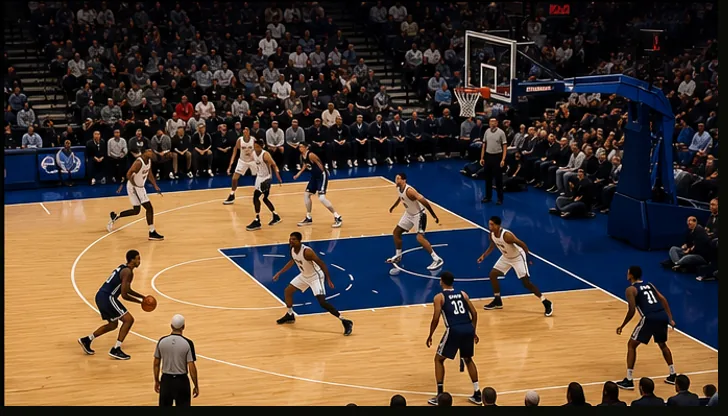
A game in a window on Windows. Watch while you work, or drive your TV from it.
Built for the desktop
RunTV for Windows installs like any normal program and plays your playlist directly. Keep a match in a small window while you work, or go full screen when it matters.
Why a desktop player beats a browser
- Plain HTTP and older TLS streams work. Browsers block both, and a large share of IPTV sources still use them.
- MPEG-TS plays natively, which browsers cannot do.
- It is also your remote. Pair it with your Android TV or Apple TV and send channels to the big screen.
The installer is not code signed yet, so Windows SmartScreen may show "Windows protected your PC" the first time. Choose More info, then Run anyway. This is normal for a new app and does not mean anything is wrong with the download.
Related
All downloads · Watch 4 at once · Connection limits · Xtream Codes · M3U playlists
How to install
- Download the installer. Get the RunTV .exe installer from the downloads page.
- Run it. If SmartScreen appears, choose More info and then Run anyway. Pick an install folder if you want a custom location.
- Open RunTV. Launch it from the Start menu.
- Add your playlist. Open Sources and paste your M3U URL, or your Xtream Codes host, username and password.
- Pair a TV if you want the big screen. Open RunTV on your Android TV or Apple TV and enter the 8 digit code it shows.
Frequently asked
Is there a free IPTV player for Windows?
Yes. RunTV for Windows 10 and 11 is free with no ads and no subscription. You bring your own M3U playlist or Xtream Codes login.
Why does Windows warn me about the installer?
The installer is not code signed yet, so SmartScreen shows an unknown publisher warning. Choose More info and then Run anyway. Code signing is a separate certificate we plan to add.
Can I watch in a window while working?
Yes. RunTV runs as a normal desktop window, so you can resize it, move it to a second monitor, or go full screen.
Does the Windows app control my TV?
Yes. Pair it with your Android TV or Apple TV and it acts as the remote, including sending channels to the TV.
Does RunTV include channels?
No. It is a player. You supply your own playlist or provider login.