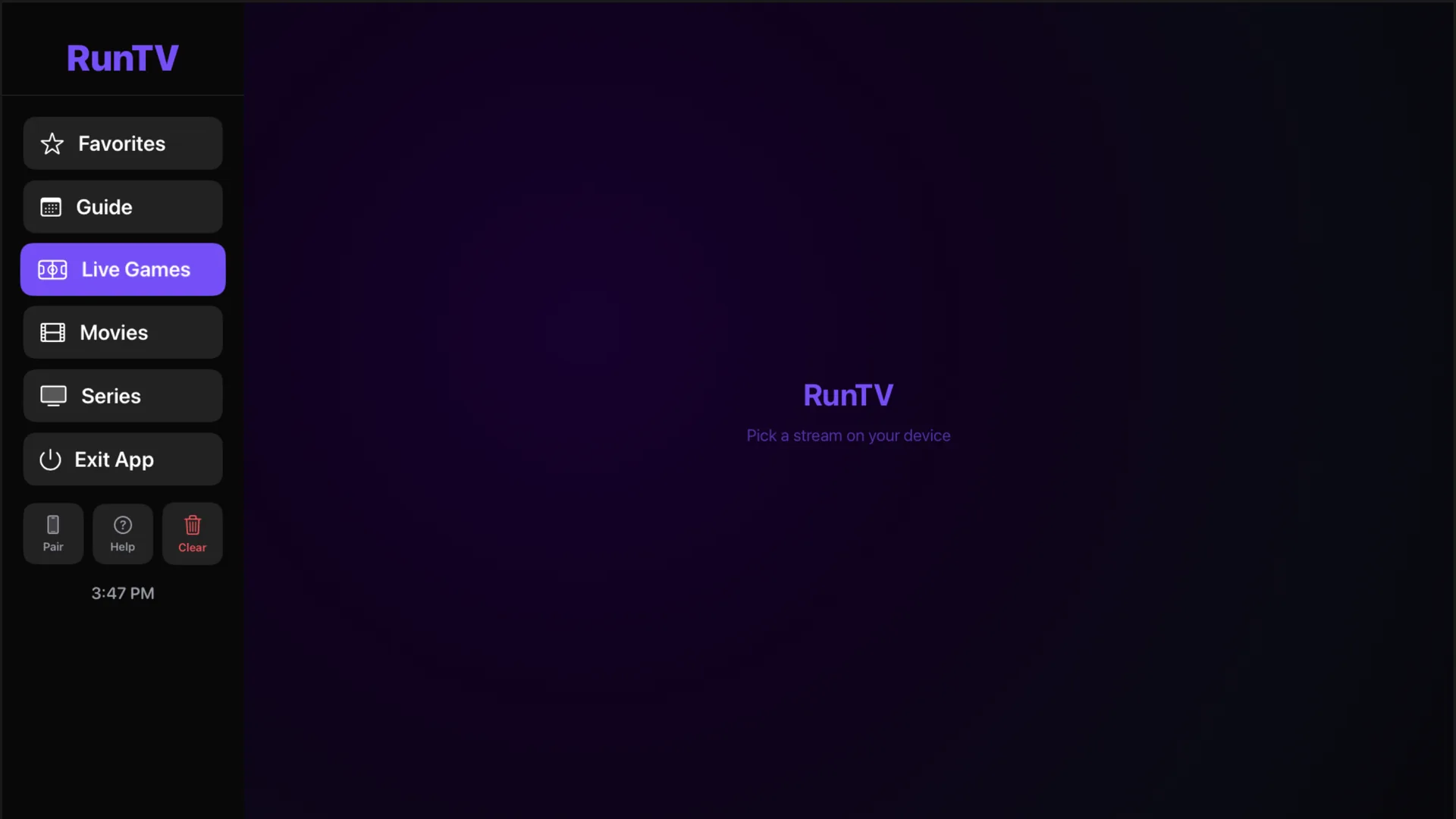
The free multi-screen IPTV player that follows you, from your phone to your TV.
Live games
The game finds its channel.
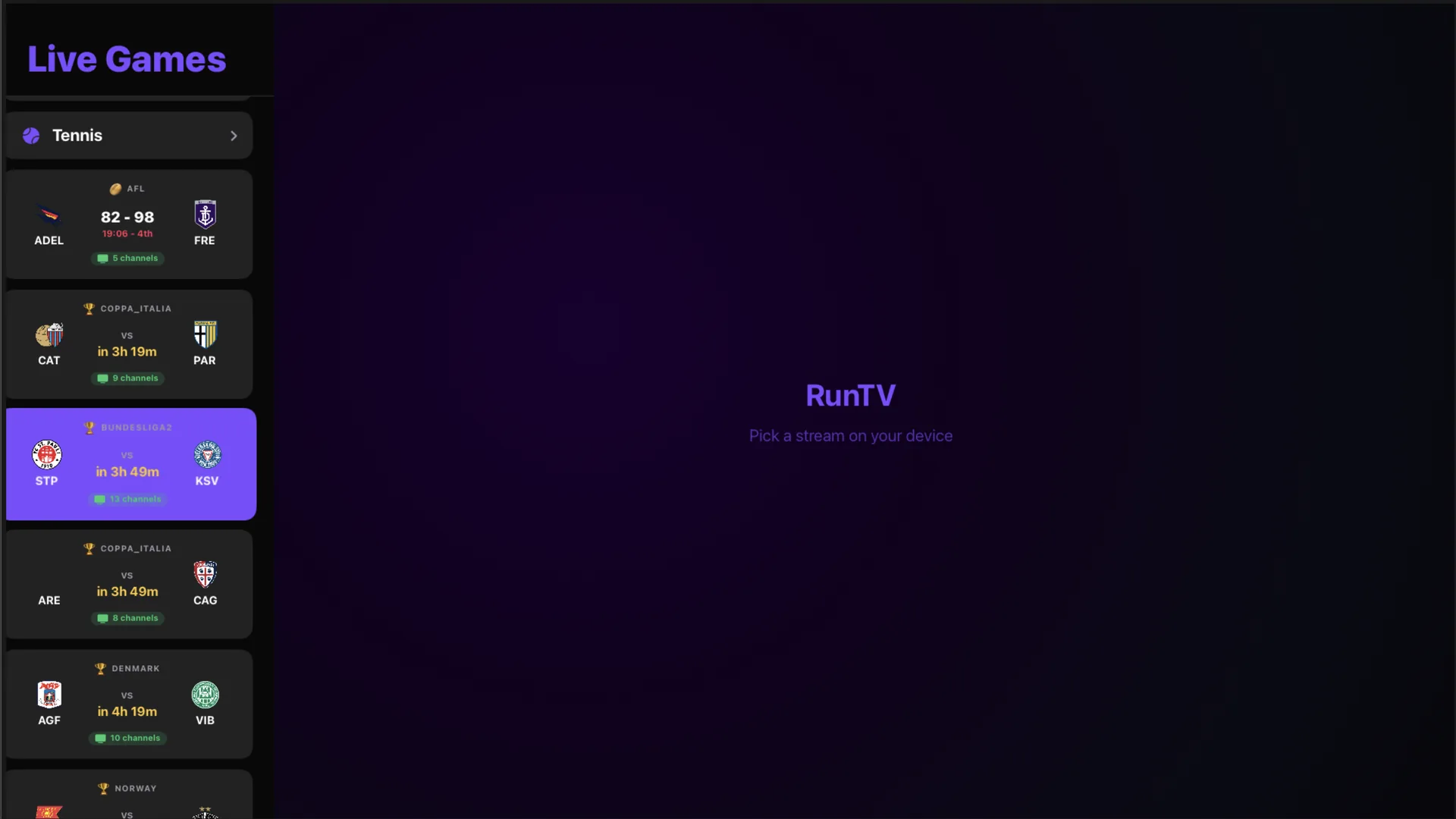
Tap a live game and RunTV hunts down the channel carrying it inside your own playlist. Scores and a live sidebar, right by the action.
On the TV itself
Every game, on your big screen.
Live Games runs right on the TV. Scores, kickoff times, and how many of your own channels carry each match.
Every account, one catalogue
All your sources, one list.
Channels, movies and series from every playlist and every login, together. A title carried by more than one of them is shown once, so you browse what you can watch instead of where it came from.
Before the stream starts
Know which login is free.
Every source carrying it shows how many connections it has spare, so you pick one that will play instead of finding out it was full.
Xtream server
Login 1
Login 2
Login 3
Login 4
RunTV
Your own accounts, combined
Many logins, one pool.
Add as many playlists as you like, and several Xtream logins to each one. RunTV spreads your streams across them, always within each account's own limit. Nothing is bypassed. Every playlist, every login, free.
One tap, any screen
Available on any device you own.
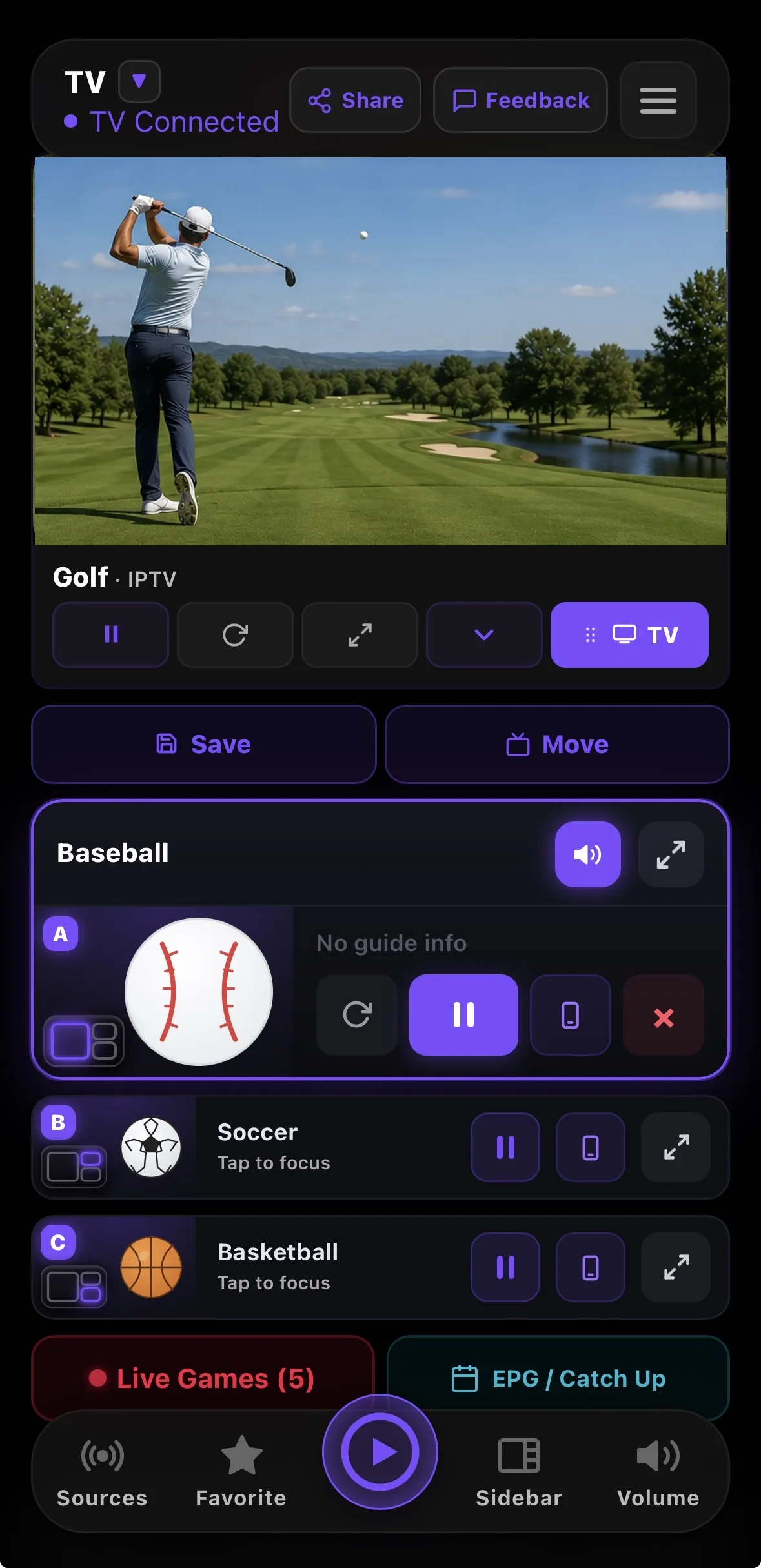
Start a game on your phone, tap once and it is on the TV. Take it back when you leave. iPhone, iPad, Android phone and tablet, Apple TV, Android TV, Mac and Windows.
FREE
No ads. No subscription. Bring your own M3U or Xtream.
No adsNo subscriptionNo account neededEvery feature included
RunTV does not provide, host or resell any channels or content. It is a media player, like VLC. Everything you watch comes from the playlist or provider login you already have.
The free IPTV player that follows you, on every screen
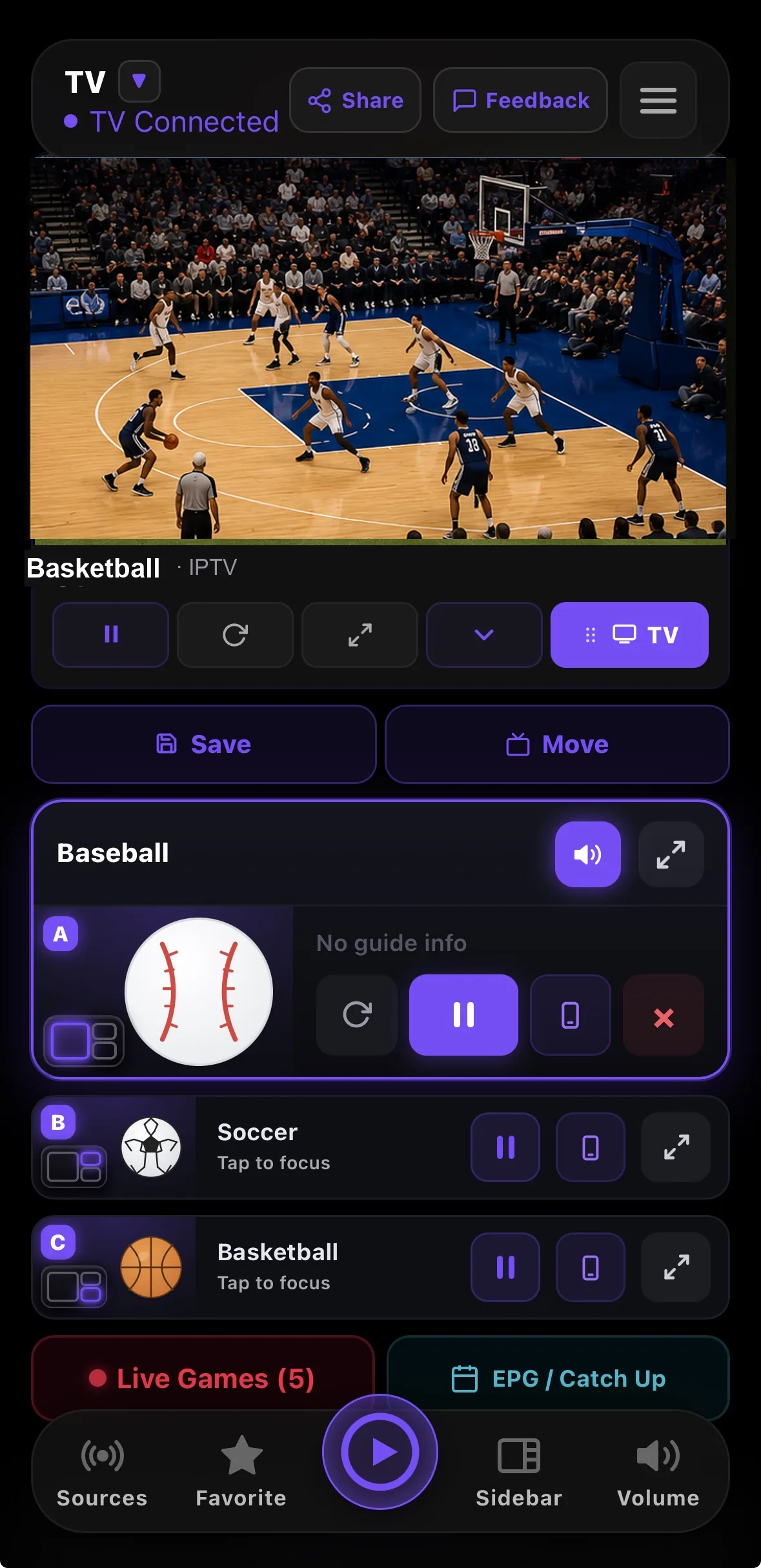
RunTV is a free IPTV player for iPhone, iPad, Android phone and tablet, Apple TV, Android TV, Mac and PC. Bring your own M3U playlist or Xtream Codes login and watch right on your phone, then send any channel to your TV with one tap. Run up to four live channels at once on one TV across eight multiview layouts, and control the whole wall from your phone.
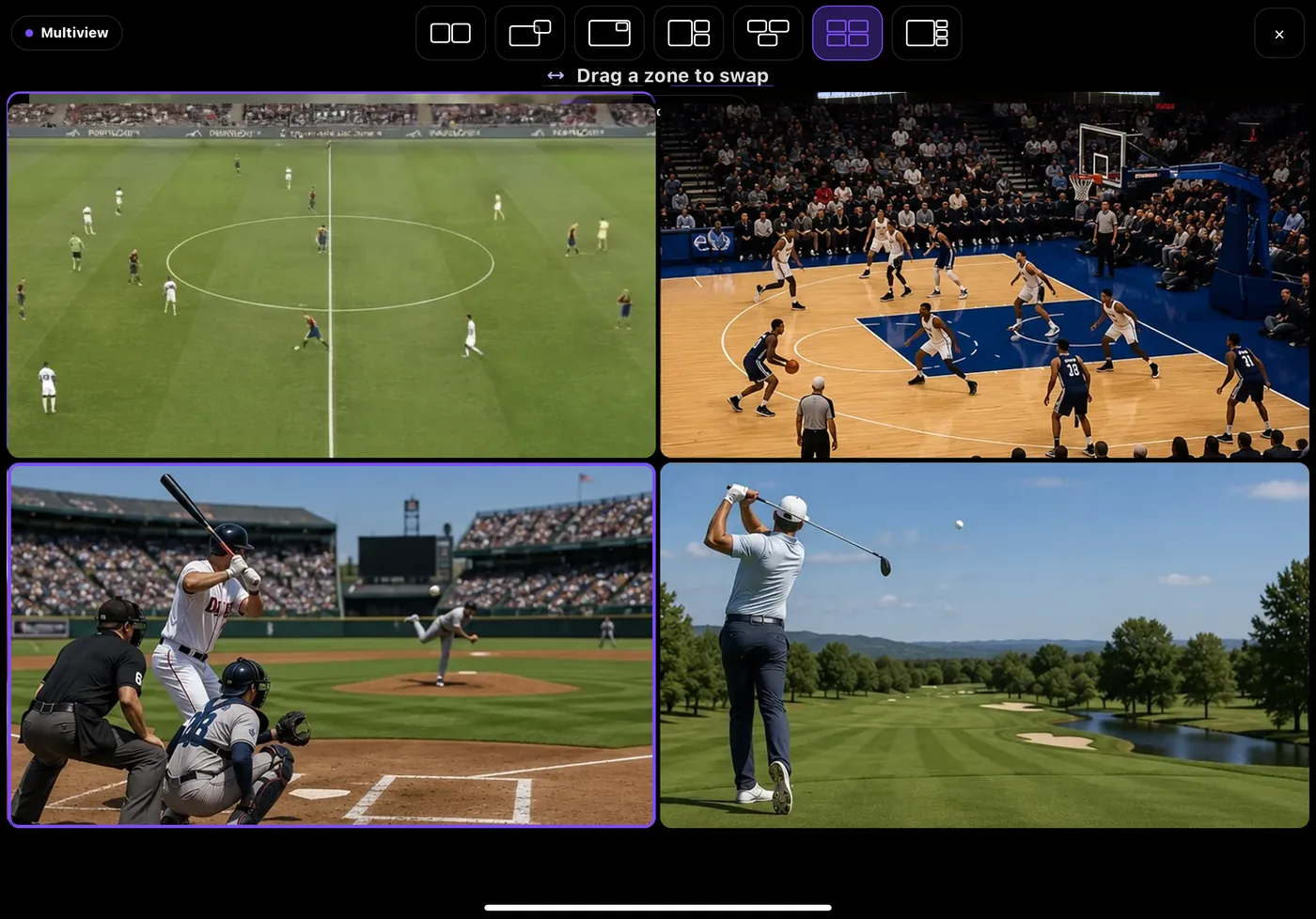
Multiview and split screen on one TV
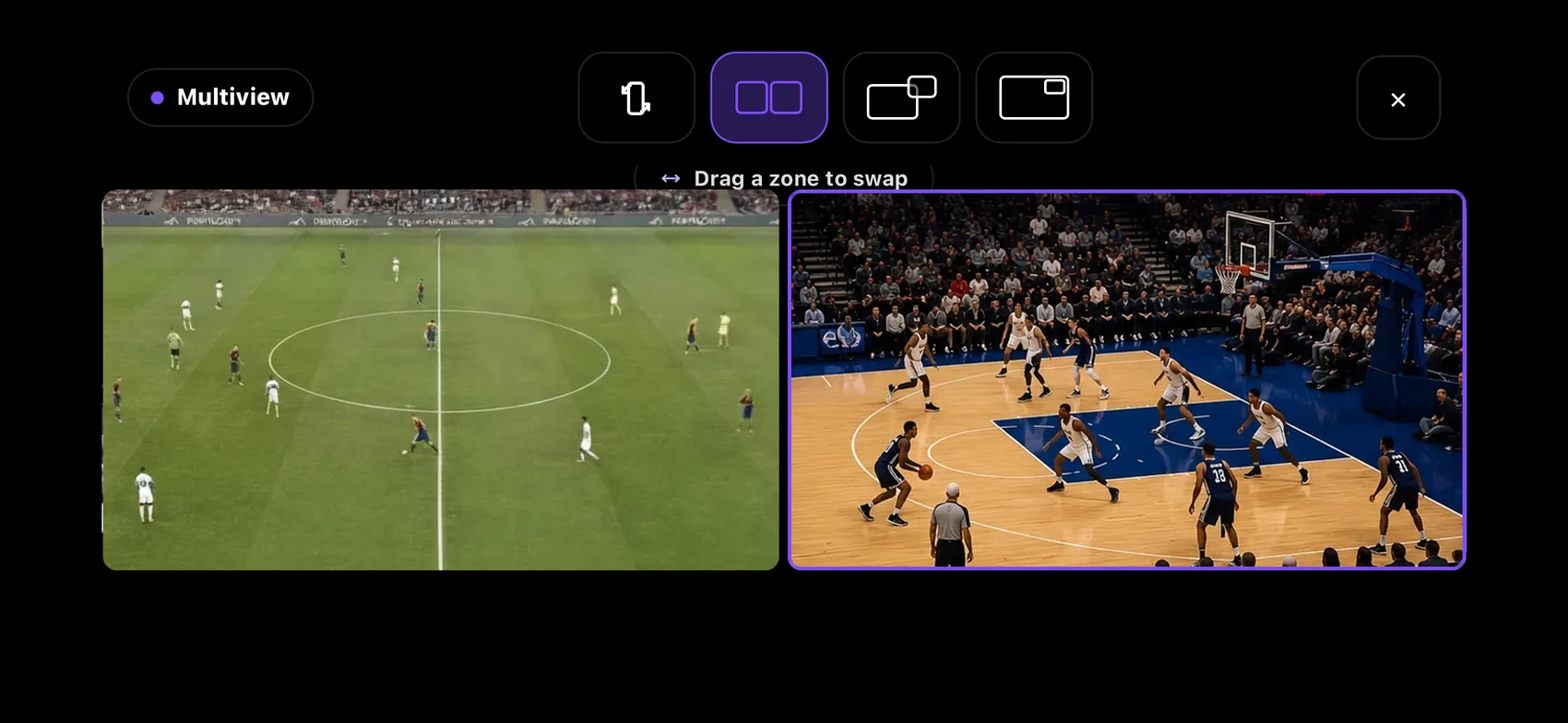
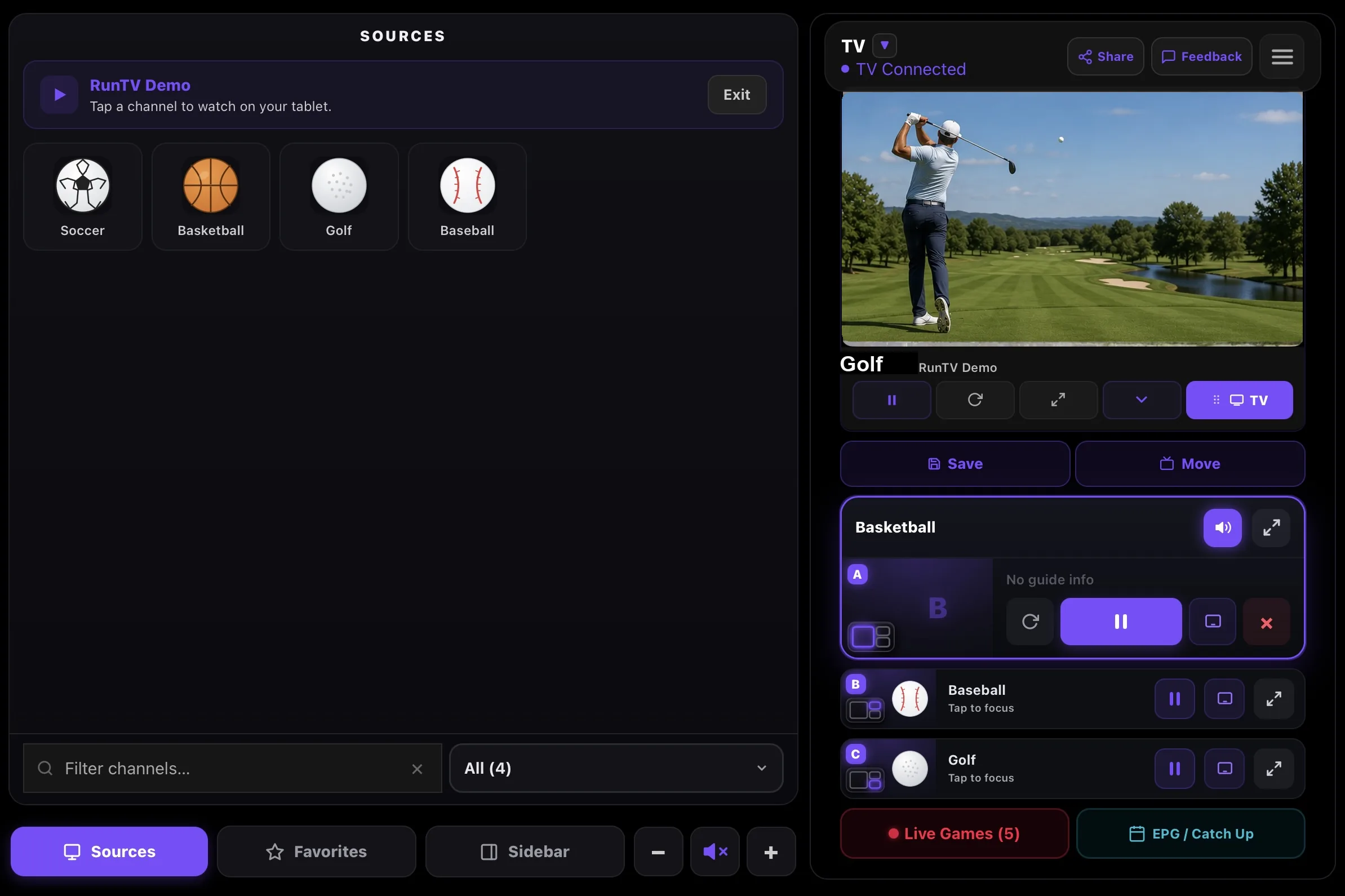
Watch up to 4 IPTV streams at once with full screen, side by side, big and small, picture in picture (PiP), and 2x2 grid layouts. Drag a stream to swap zones, and tap the one you want to hear. Your phone is the remote.
Live sports, matched to your channels
Tap a live game and RunTV finds the channel carrying it inside your own playlist, with scores and a live sidebar right next to the action.
Available on any device you own
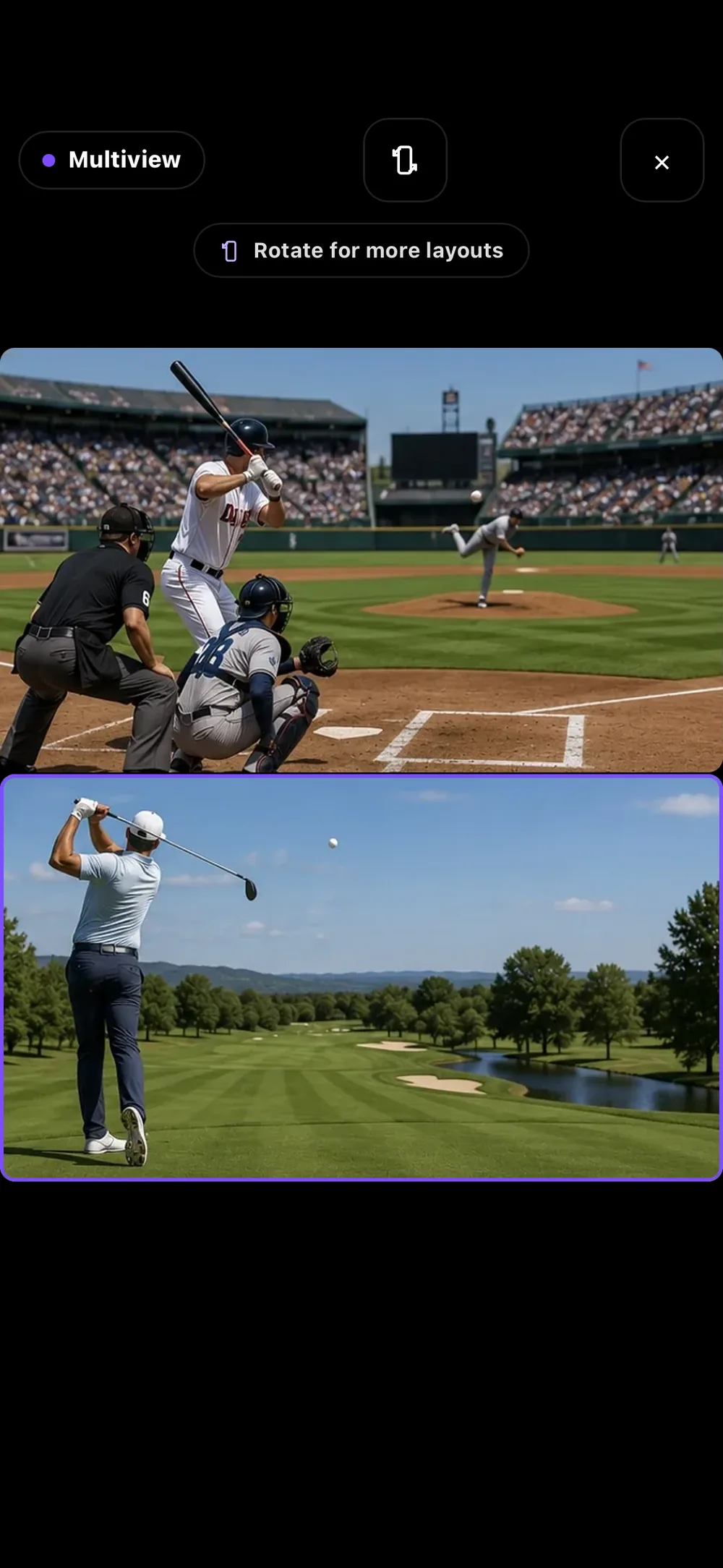
RunTV runs on iPhone, iPad, Android phone and tablet, Apple TV, Android TV, Mac and Windows, and a live stream can move between them with a single tap. Watch on your phone, send it to the TV, then pull it back to the phone when you leave. This is not screen mirroring: the TV pulls the stream itself, so your phone can lock, ring or leave the house without stopping playback.
Works with your IPTV provider
RunTV does not provide, host, resell or aggregate any channels or content. RunTV is a media player, like VLC. It supports M3U and M3U8 playlists and Xtream Codes logins, across HLS, DASH, MPEG-TS and MP4. Add several Xtream logins to one playlist and RunTV pools their connections, always within each account's own limit, so a busy login never stops you.
Free, no ads, no subscription
RunTV is free with no ads and no subscription. Your provider login is stored on your device, never in a RunTV account, and is AES-encrypted when sent to your TV. Playlists are fetched through our server, which does not log or store your credentials.
Frequently asked questions
Can I move a stream between my phone and TV?Yes. Watch on your phone, tap once to send it to the TV, and pull it back when you leave. This is not screen mirroring: the TV pulls the stream itself, so your phone can lock, ring or leave the house without stopping playback.
Can I watch 4 channels at once on one TV?Yes. RunTV shows up to 4 live streams on one TV across 8 layouts, including side by side, one plus two, picture in picture and a 2x2 grid. Tap any zone to move the audio to it.
Is RunTV free?Yes, free with no ads and no subscription. You bring your own M3U playlist or Xtream Codes login.
What formats does RunTV support?M3U and M3U8 playlists and Xtream Codes logins, across HLS, DASH, MPEG-TS and MP4.
Which devices does RunTV run on?Apple TV, Android TV including Fire TV Stick, Nvidia Shield and Google TV, plus iPhone, iPad, Android phone and tablet, Mac and Windows.
Does RunTV provide any channels?No. RunTV is a media player, like VLC. It does not provide, host, resell or aggregate any channels or content. Everything you watch comes from the playlist or provider login you supply.
Why does my IPTV say connection limit reached?Your provider sells a set number of simultaneous streams and each playing stream uses one. Multiview and a second screen use several at once. If you own more than one login, RunTV can spread streams across them, always staying within each account own limit.
Is there a free IPTV player for Apple TV?Yes. RunTV runs natively on tvOS, free with no ads, and supports multiview and Xtream Codes. Most tvOS players are paid, and the popular Android ones never came to Apple TV.
Do my phone and TV need to be on the same WiFi?No. Pairing goes through the RunTV relay, so your phone can control the TV from anywhere, including mobile data.
Do I need an account?You can add a playlist and watch without one. Signing in syncs your favorites and paired TVs across your devices.