RunTV / Watch Multiple Games on One TV

Split-screen IPTV
watch two channels at once

Sunday with five games on at the same time? RunTV puts up to four of them on one TV at once, auto-matches each game to the channel in your own playlist, and lets you flip the audio to whichever game matters, all from your phone. Free.
Up to 4 gamesLive game auto-matchTap to switch audioFree, no ads
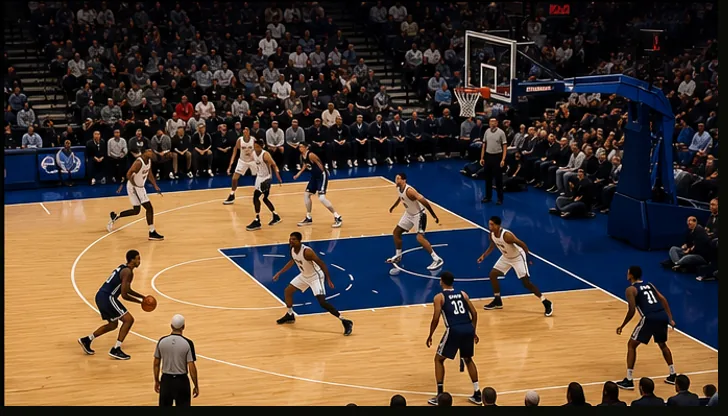
Basketball game in a RunTV zone
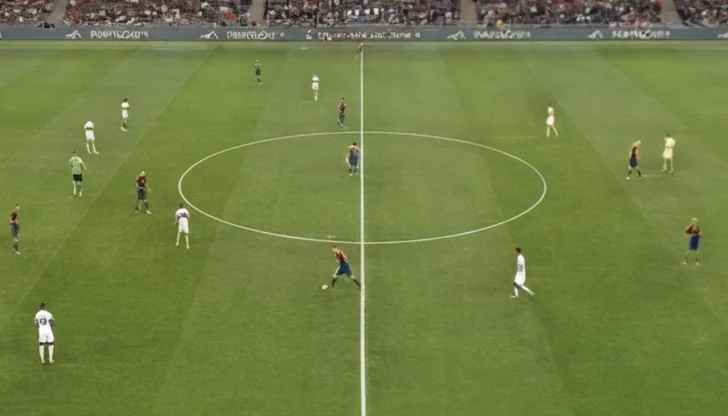
Soccer match in a RunTV zone
Split screen: two channels side by side, both full 16:9, nothing cropped.

Two channels at once, side by side

Most TV players show one channel at a time. RunTV is built around multiview: put two channels side by side, drop one into a picture-in-picture window, or fill the screen with a 2x2 grid of four. Eight layouts in total, and one tap moves the audio to whichever channel you want to hear.

Perfect for game day

Split screen is made for sports: watch two or four live games at once and never miss the moment. RunTV even auto-matches live games to your own playlist, so tapping a game finds the channel carrying it, with scores and the schedule in a live sidebar next to what you are watching.

How it works

1. Install on your TV

Get RunTV on Android TV, Fire TV Stick or Nvidia Shield.

2. Pair your phone

Open the RunTV app and enter the code on the TV.

3. Load up the games

Add your source, drop games into zones, pick a layout, tap for audio.

Frequently asked questions

How do I watch two channels at once on one TV?
Install RunTV on your Android TV, pair your phone, add your IPTV source, then drop two channels into zones and pick the side-by-side layout. Tap either one to move the audio there.
Does RunTV have picture-in-picture and split screen?
Yes. RunTV has 8 layouts including side-by-side split screen, picture-in-picture, big-plus-small, and a 2x2 grid, and you can swap zones in one tap.
Do I need extra connections to watch two channels at once?
Yes. Each channel uses one connection, so to watch two side by side your IPTV provider must allow at least 2 simultaneous connections, and four at once needs 4. Providers usually sell plans by max connections. RunTV can also pool several Xtream accounts to add up their connections.
Can I watch multiple games at once?
Yes. A popular use is sports: put two or four live games on one screen and tap the one that just got interesting to move the sound there.
Is it free?
Yes. RunTV is free, no ads, no subscription. You bring your own M3U or Xtream Codes source.

Try it free, in minutes